 Lunchbox Blog
How to react to a note
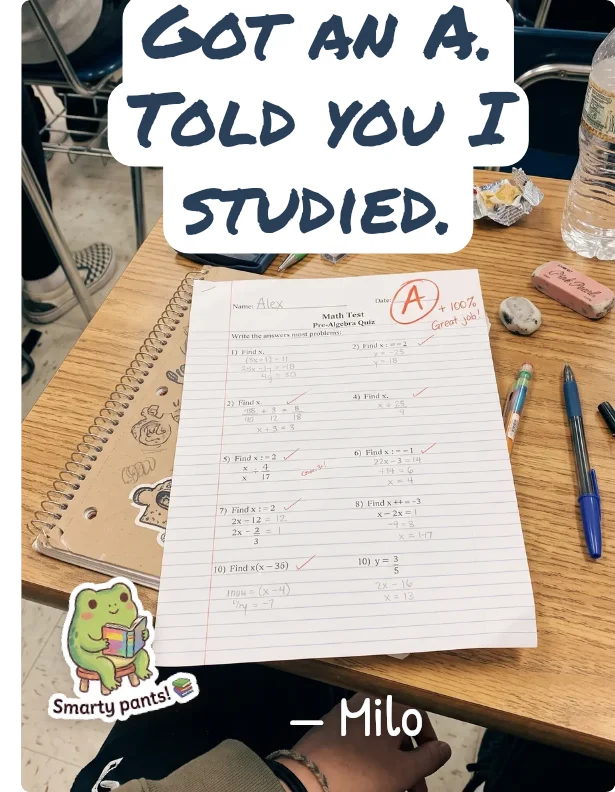

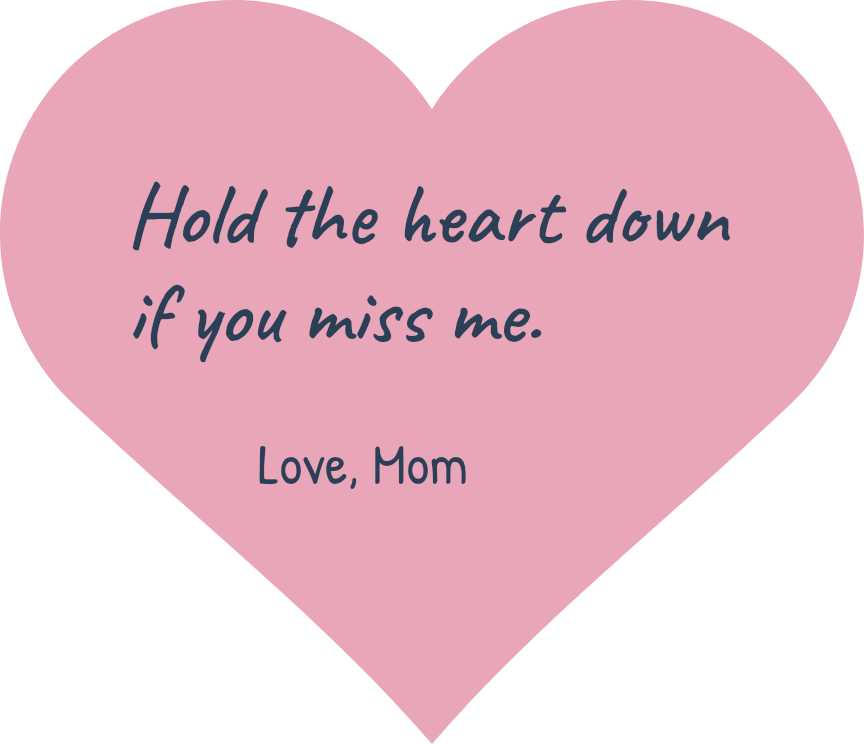
Some notes do not need words back. Tap the heart beside a note to send a little one, or hold it down to make it bigger. The person who wrote the note sees your reaction right on it.
New to Lunchbox Notes? Start with what a lunchbox note is.
Eight ways to answer
Each one is cut from coloured paper, like a little sticker.
- Heart. The one you will use most.
- Like. For a plain yes.
- Laugh. For the tooth in the sock.
- Wow. For news that deserves wide eyes.
- Sad. For the trip that got cancelled.
- Hug. For the days a note needs one.
- Angry. For the honest ones. Spinach again.
- Party. For the good grade, the goal, the first day done.
How to react
- Tap the heart for a small one.
- Hold it, and the heart grows. Let go when it is big enough.
- Slide up while you hold to pick one of the others.
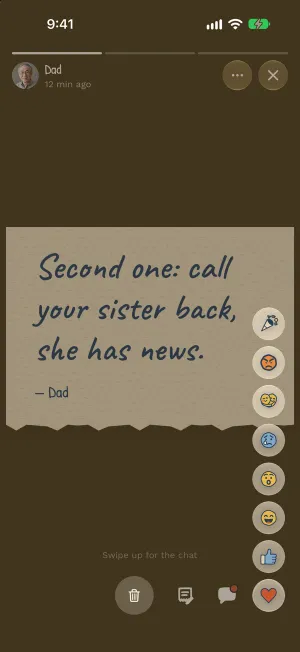
Changed your mind? Pick a different one, or tap the same one again to take it off.
What they see
Your reaction sits on the corner of their note, as big as you made it. A quick tap says one thing. A long hold says a lot more.
In a group
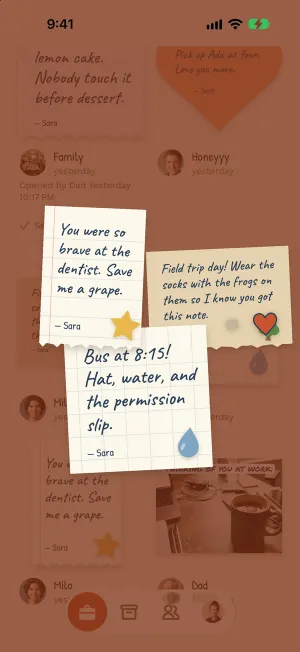
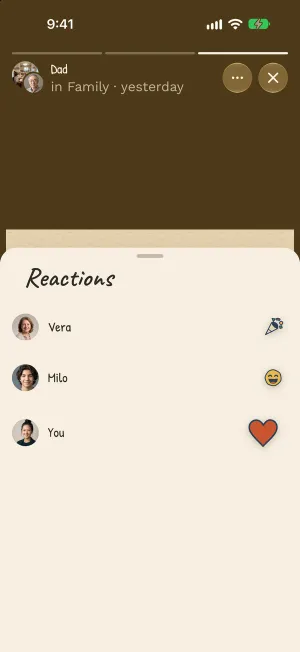
In a group, everyone can add a reaction. They stack up on the corner of the note, each with the face of the person who sent it.
More about groups in how to start a group.
A few to try
- Hold the hug until it stops growing, on the note that says the day went badly.
- Send the angry face at “fish again”, and then a heart for the rest of it.
- Add a party to a group note, even if three people got there first.
Try it now: Lunchbox Notes is in beta.
iPhone opens TestFlight, Apple’s app for trying apps before they’re out. Android opens Google Play.
Rather wait for the App Store and Google Play? Get an email when it’s out.