 Lunchbox Blog
How to cover a note

A cover hides your note behind a little game. They tap, pull, hold or shake, and the note comes out. It turns an ordinary note into a small surprise.
To cover a note, write it and tap Send. Then tap Cover, pick one, and send it on its way.

New to Lunchbox Notes? Start with what a lunchbox note is.
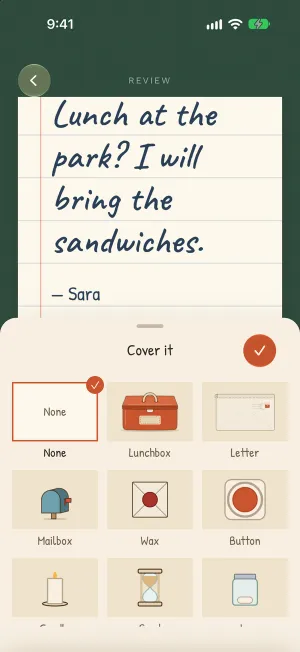
Pick a cover
After you tap Send, you see your note the way they will. Tap Cover and choose one.
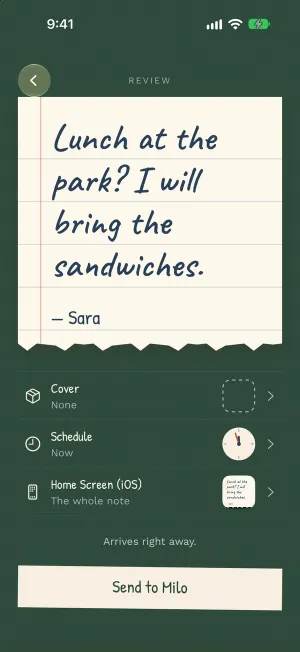
Want to see how it feels? Open it yourself, the way they will. Tap the note and the cover goes back on. Trying it sends nothing.

The eight covers
- Lunchbox. One tap and the note pops out.
- Letter. Tear the strip, and the note slides out of the envelope.
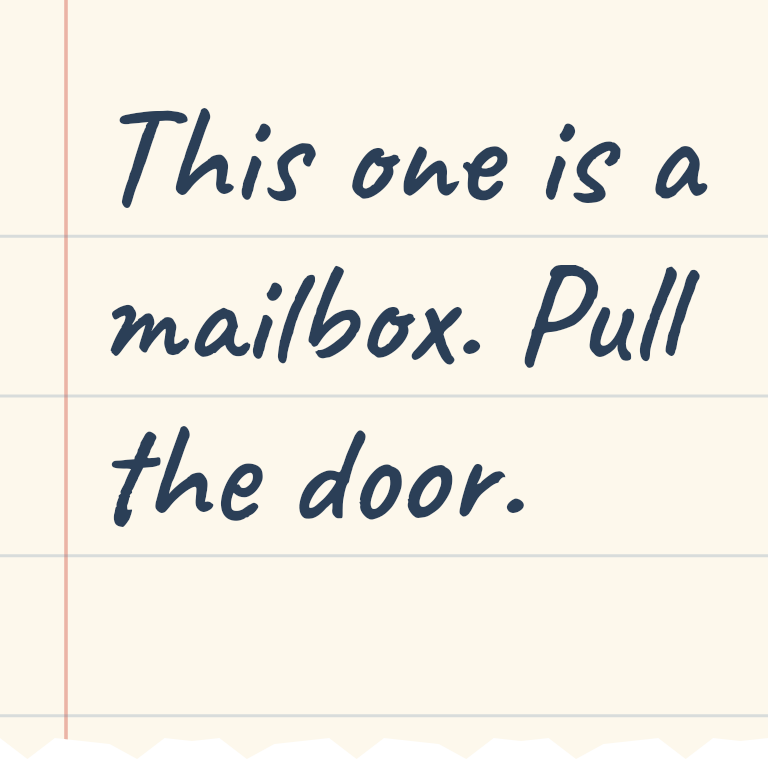
- Mailbox. Pull the little door down.
- Wax. Spread two fingers to crack the seal.
- Button. Tap it again and again.
- Candle. Keep a finger on it while it burns down.
- Sand. Hold on while the sand runs through.
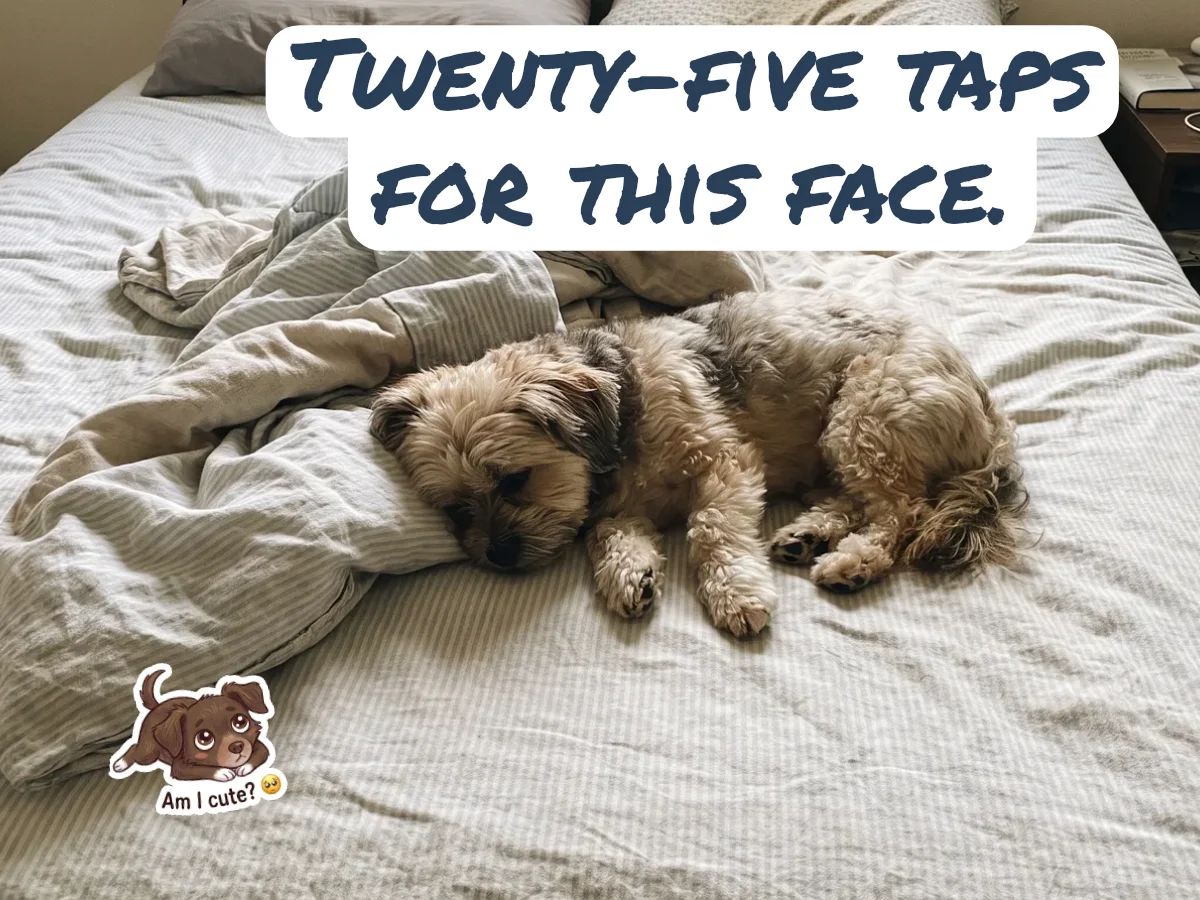
- Jar. Shake the phone until the top pops off.
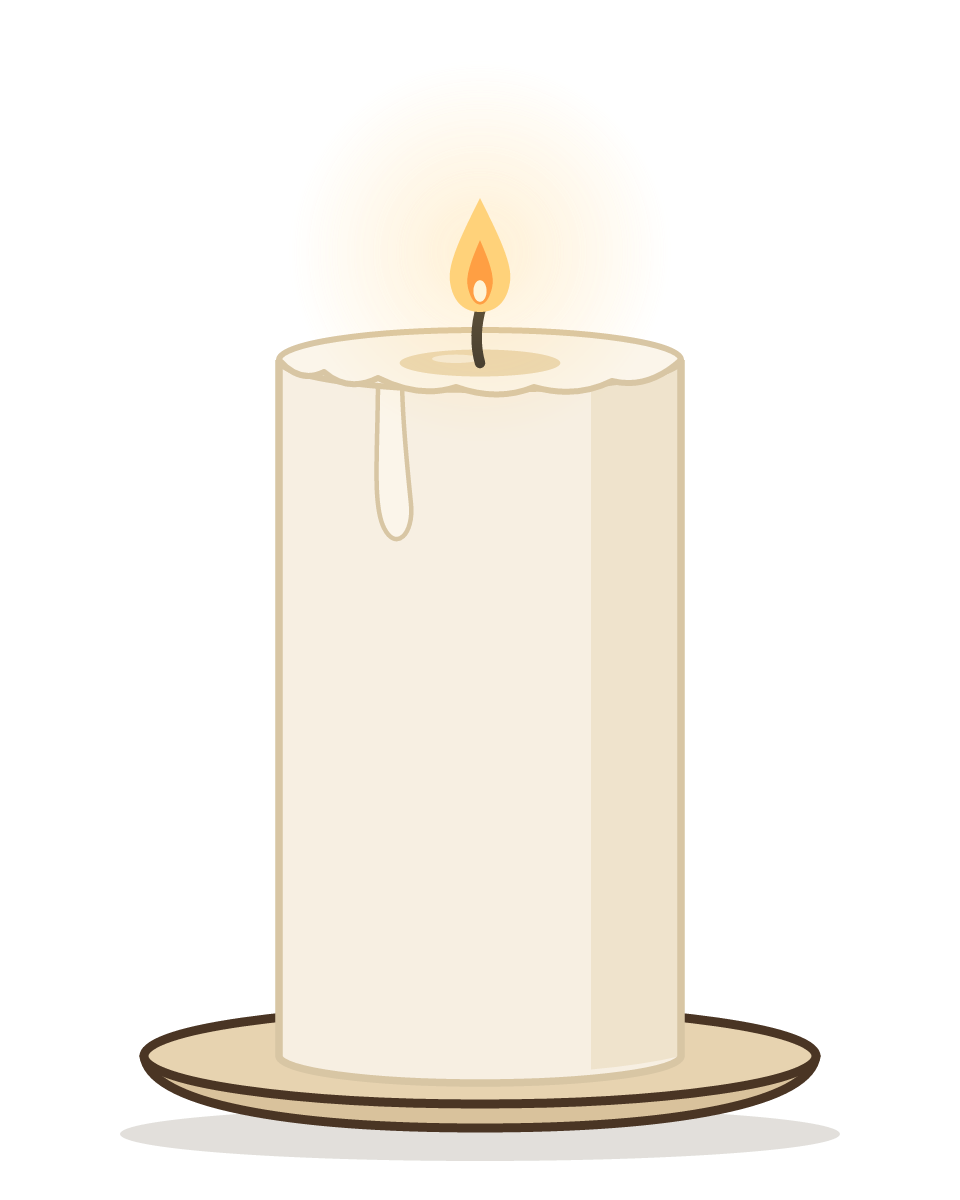
Hold for 10 seconds
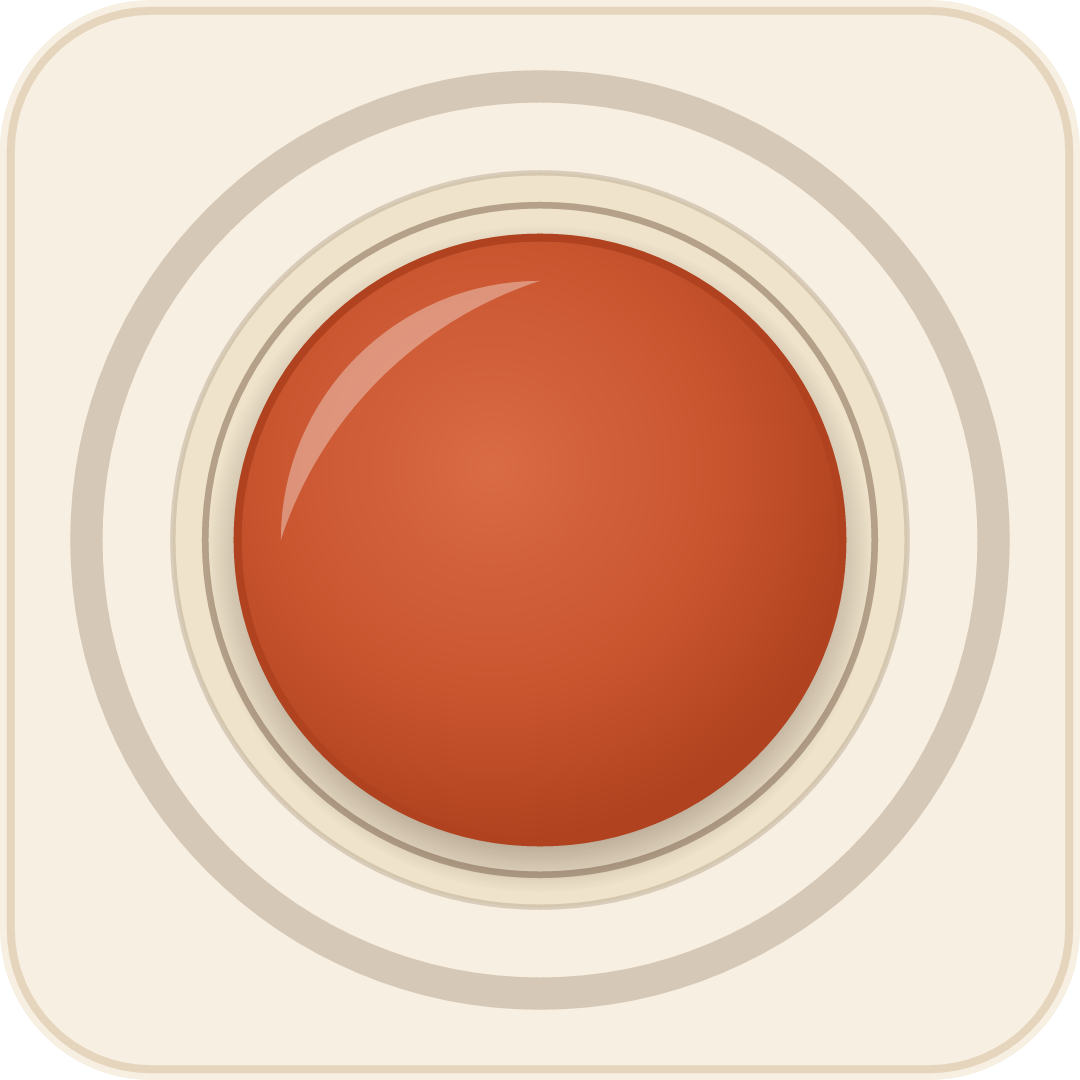
Tap it 10 times to open
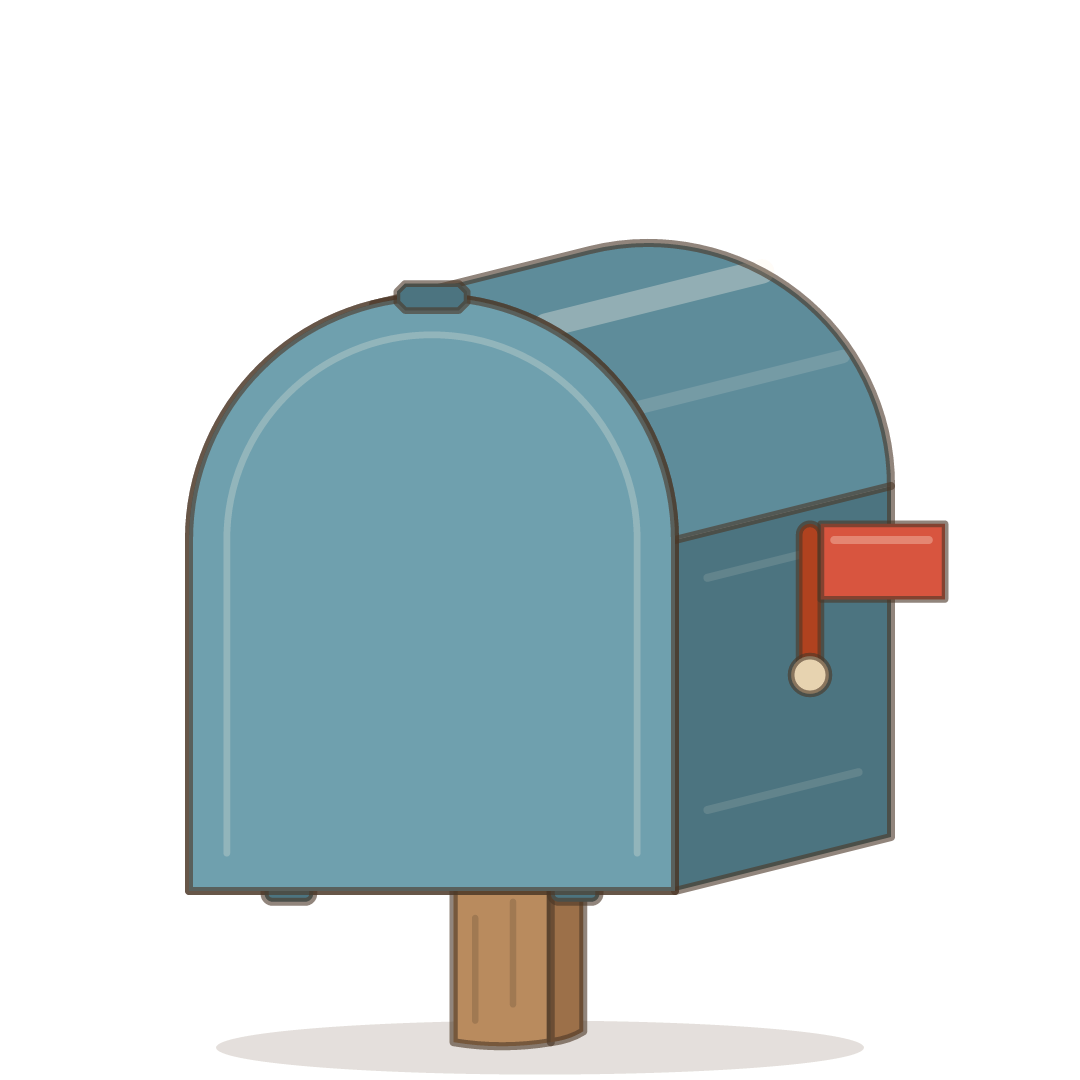
They pull the door down to open it.
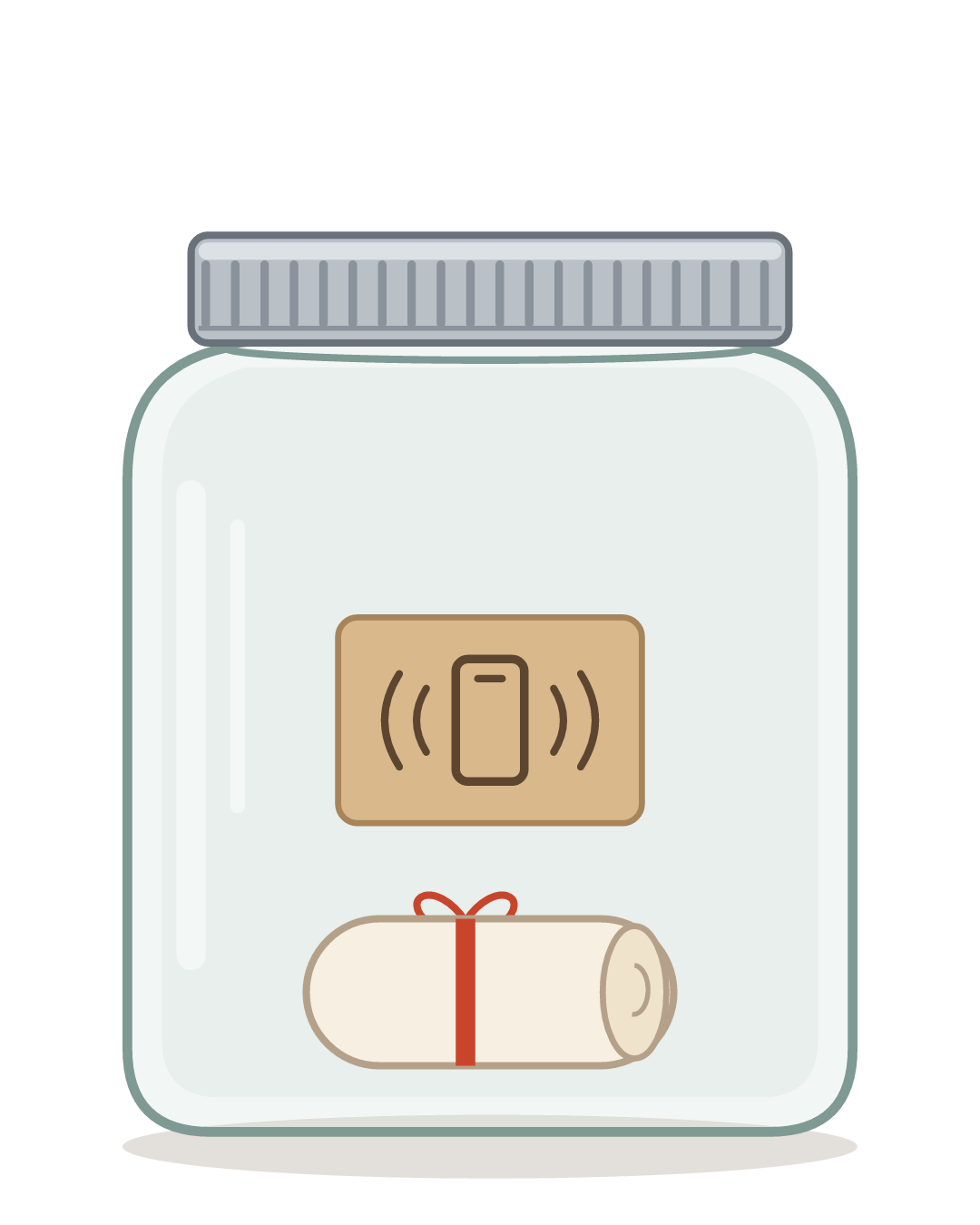
They shake it open.
For the button, the candle, the sand and the jar, you choose how much it takes. Keep it quick, or make them work for it.
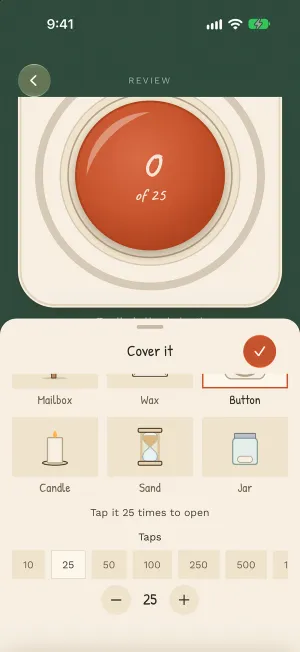
The moment it opens
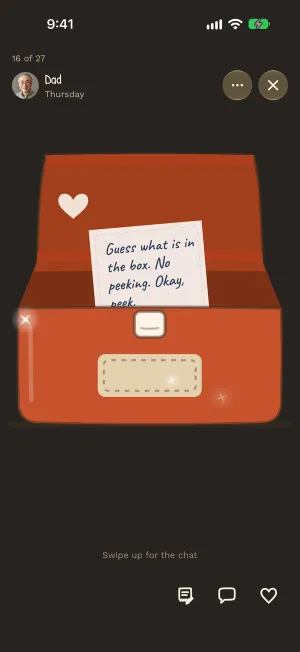
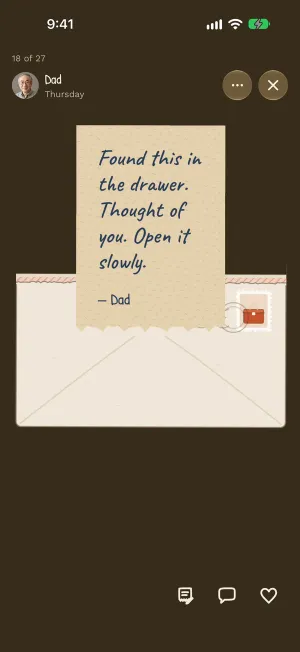
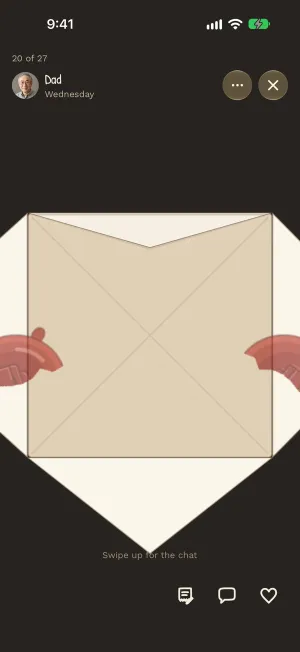
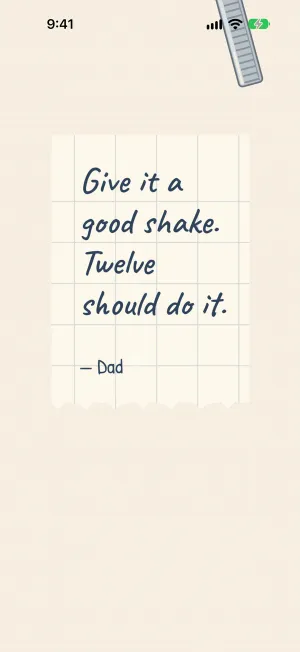
What they see
Until they open it, they see the cover, on their home screen too, so they know something is waiting. They can still react and write back before they open it.
What you see
You see when a covered note is opened, and in a group who has seen your note. Other notes don’t say.
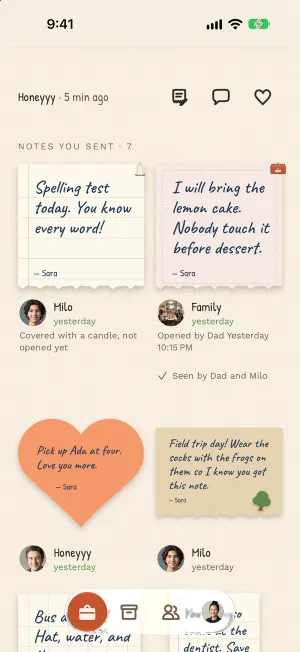
If they get stuck
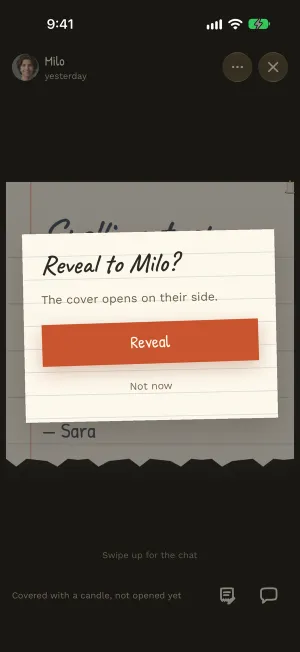
The candle can take a while, and a phone on a bus is hard to shake. You can always open it for them.
A few to try
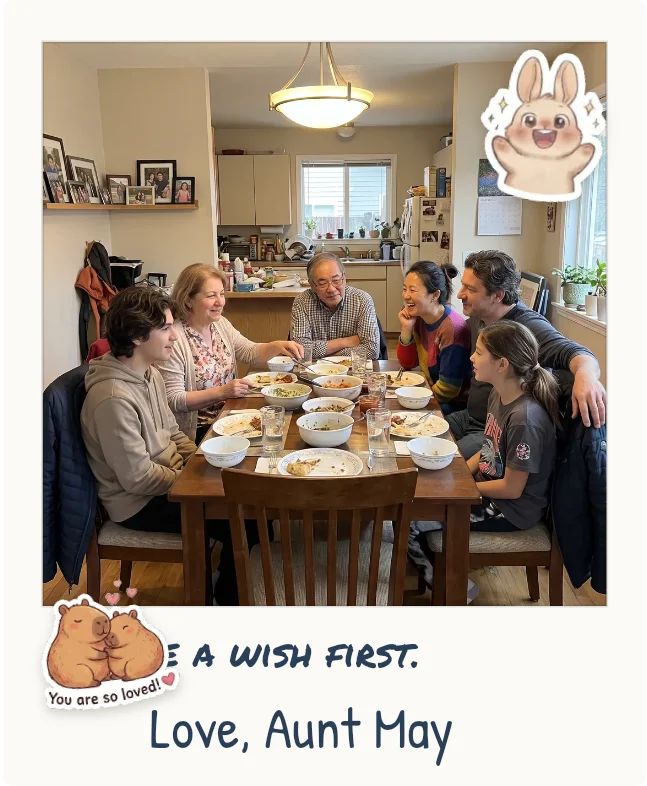
- Under the candle: “Make a wish first. Then keep your finger on it.”
- Under the button: “One tap for every time you made me laugh this week.”
- Under the mailbox: “You have mail. Real mail. Well, nearly.”
- Under the jar: “Shake it like the ketchup.”
Try it now: Lunchbox Notes is in beta.
iPhone opens TestFlight, Apple’s app for trying apps before they’re out. Android opens Google Play.
Rather wait for the App Store and Google Play? Get an email when it’s out.